If you're making a portable you probably need something to watch it on. (Unless you want to guess what's happening in the game, but I wouldn't advise that) Anyway, this forum is your "Hacking a pocket TV/screen" one-stop solution. Share your experiences and knowledge here.
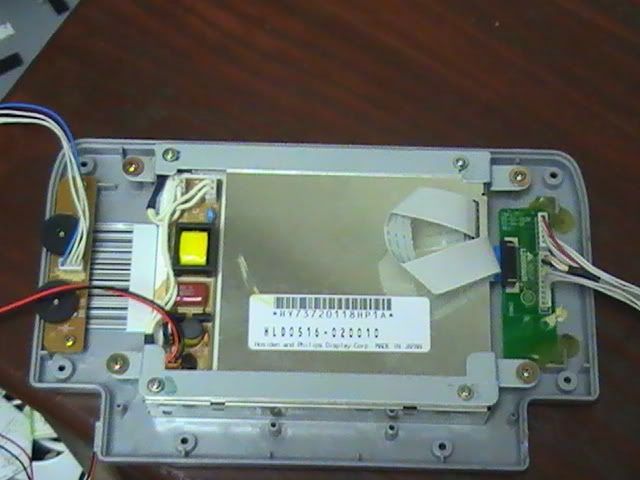
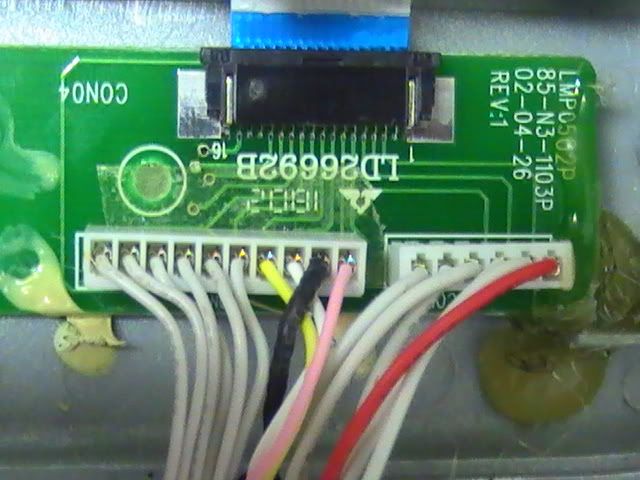
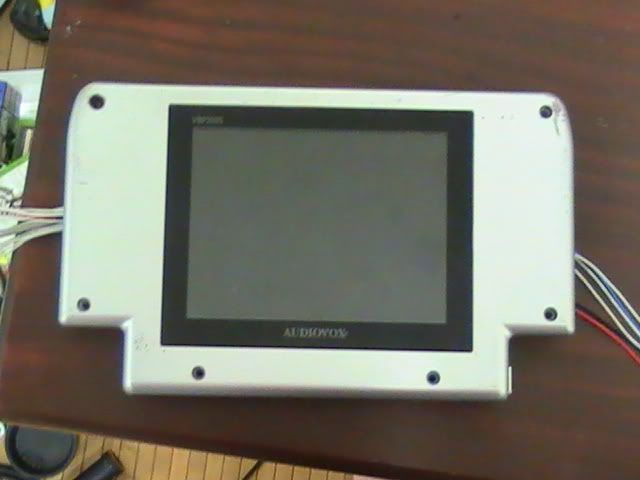
Well I got a VCR with a Lcd screen on it for $15 at a rams rack its a Audiovox VBP2000 -VCR. Anyways I was wondering if it was usable for a hacked portable screen I have already disassembled it and removed the screen with no trouble at. Now the VCR had composite video input so im guessing that means it usable but i'm not that much of a electronics guru. So any and all help will be greatly appreciated and I will post a picture of the screen and the composite input jacks for the VCR.
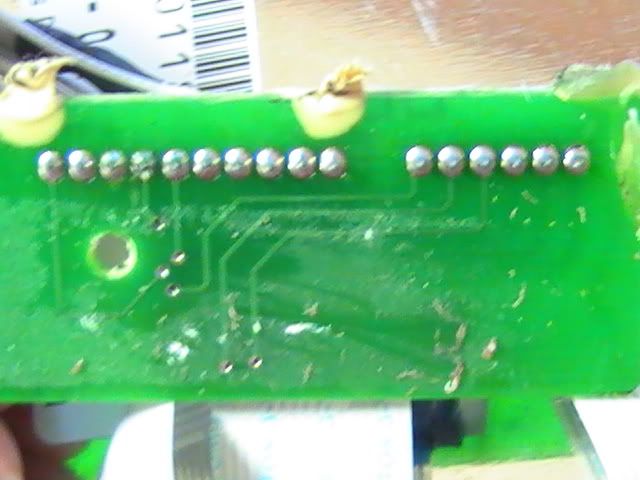
this is from the VCR board its not connected to the screen but i may wnat it connected havnt decided yet
I will have some higher definition pictures up soon.
Last edited by overlordlink on Mon Oct 25, 2010 12:57 am, edited 3 times in total.
Alright that's what I was thinking, but as I said i'm not that great with electronics so I just wanted to double check. Now how do I figure out which ones are the input on the screen? Oh and my pictures may have been a bit misleading the composite input jacks arent connected to the screen those came off of the board in the VCR.
If the VCR connects to the screen, and the VCR has composite inputs, there is a way to make it work. It just might take a lot of space due to extra hardware...
Im alright with that its my first portable after all and i just want to get one under my belt so i can progress and make better ones. so what did you have in mind to make it work?
Trace the composite input to the screen using a multimeter - if you want help, pictures of the entire thing are useful. In essence, it's just a matter of finding put what you can remove.
Look at the traces with your eyes, see how close to the board you can get without running into a component (like a capacitor, transistor, resistor, etc - the close to the screen you can get without components, the better.
Trace from where the composite video is put in (yellow jack) and see if you can directly put it in somewhere closer to the screen. May involve disassembling VCR, I don't know.
zeturi wrote:If you're getting 404'd when trying to use the links in stickies, try this tutorial to find that juicy info.


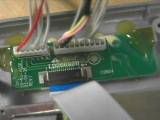

 Oh and my pictures may have been a bit misleading the composite input jacks arent connected to the screen those came off of the board in the VCR.
 i should have taken some notes on how to put i back together..... oh well imma give it a go
 BUMP
BUMP