I immediately realised this must be a case of poor BGA soldering (that's Ball Grid Array, a process in which small balls of solder are preattatched to chips, and then heated so they bond to the motherboard.) This is a common problem with this laptop, as well as other laptops. In fact, a lot of ATI Radeon 7500 and 9000 based laptops suffer from this, like the HP dv2000 I think (not sure if this is the right number)
Anyway, onto business. I realised that flexing the case produced good results sometimes, and since I don't have a heat gun nor a cup of alcohol to reflow the solder with, I thought of some alternate solutions. This one seems to be working great and I have not had a single crash during it's new use (I bring this same laptop to and from school every day, and it's had no trouble). I thought that I should insert something on top of the video chip to apply pressure.
First step! Take off the keyboard. Do so by removing the screws outlined here:
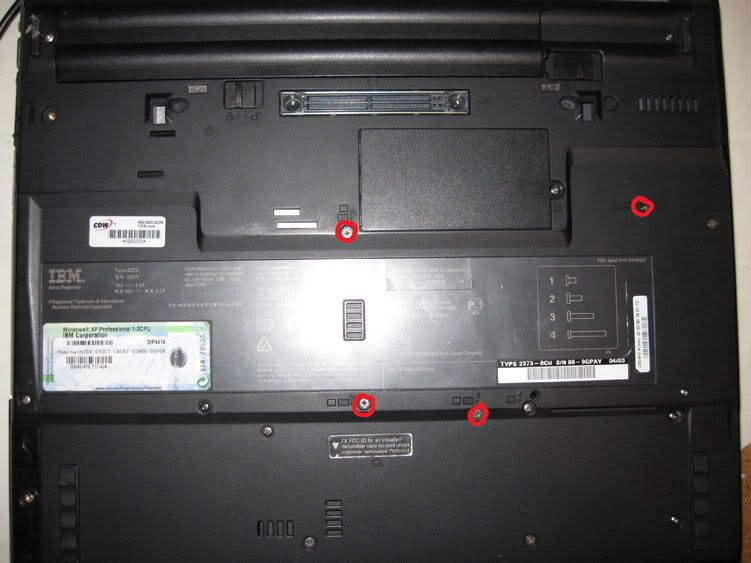
Once it's off, look towards the lower area above the track pad for the ATI chip. There is an orange ribbon cable overlapping it. Do not remove this cable, it is fine where it is.

Now, we need to build a spacer. I found out that this configuration seems to be the perfect height and size.
I stacked an old CF card, followed by an SD card, followed by a Memory Stick Duo card, all taped together. Put them with the physically biggest card on the bottom and the smallest on the top.
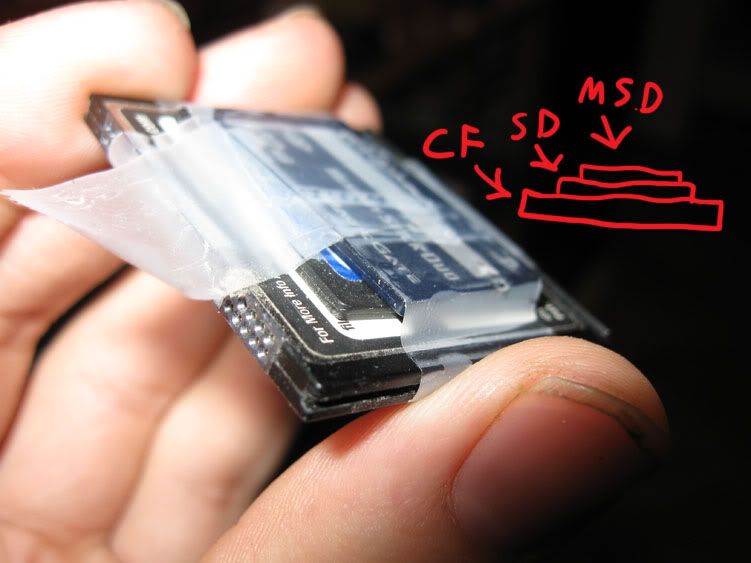
Put it on top of the orange ribbon cable, on top of the ATI chip like so:

Put some tape on the white ribbon cable connector and the spacer to keep it from sliding around.
Tightly screw the keyboard back in, and you are good to go!
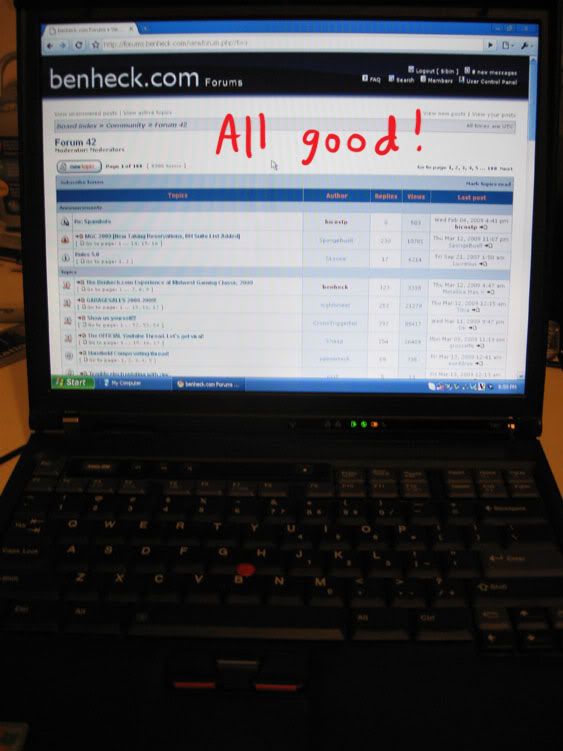
Hope this helps some other people who can't be bothered to reflow their video processors
